Review
Understand a contract before you sign
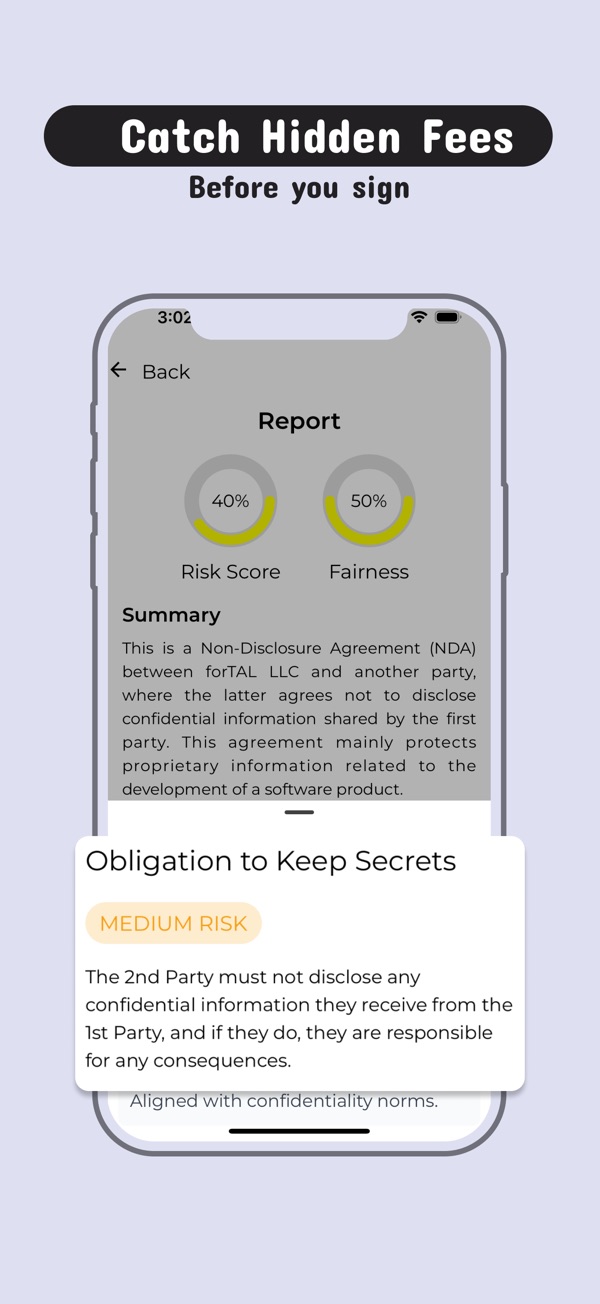
Scan a paper document, upload a PDF or paste a link, and get a plain-English summary with risky or unusual terms flagged.
Utility app
Generate professional legal contracts and agreements in seconds with AI.


Open LegalBouf and you're three steps from done.
Scan it, upload a file or paste a URL, or start a new draft.
Read the summary, flagged terms and fairness score.
Ask a lawyer about anything important before you sign.
Review
Scan a paper document, upload a PDF or paste a link, and get a plain-English summary with risky or unusual terms flagged.
Draft
Generate first drafts of documents like service and employment contracts, lease agreements, NDAs, privacy policies and terms of service.

Compare
A fairness score and a clause library help you compare terms with common practice.
No. LegalBoof is an AI assistant, not a law firm, and it doesn't replace a qualified lawyer. Consult an attorney for anything legally binding.
Common ones such as employment and service contracts, lease agreements, NDAs, partnership agreements, privacy policies and terms of service.
Scan it with your camera, upload a file, or paste a URL.
LegalBouf is free to download. Some features need a Pro subscription; current prices are shown on the App Store page.
AI Legal Assistant: LegalBouf runs on iPhone with iOS 15.1 or later, and on iPad.
Email hello@alicsystems.com and tell us which app you're using.

Download LegalBouf and see the difference the first time you use it.