Photo or type
Snap a problem or type it in
Photograph a calculus problem or enter the equation by hand.

Education app
Solve derivatives, integrals, and limits with step-by-step AI explanations.
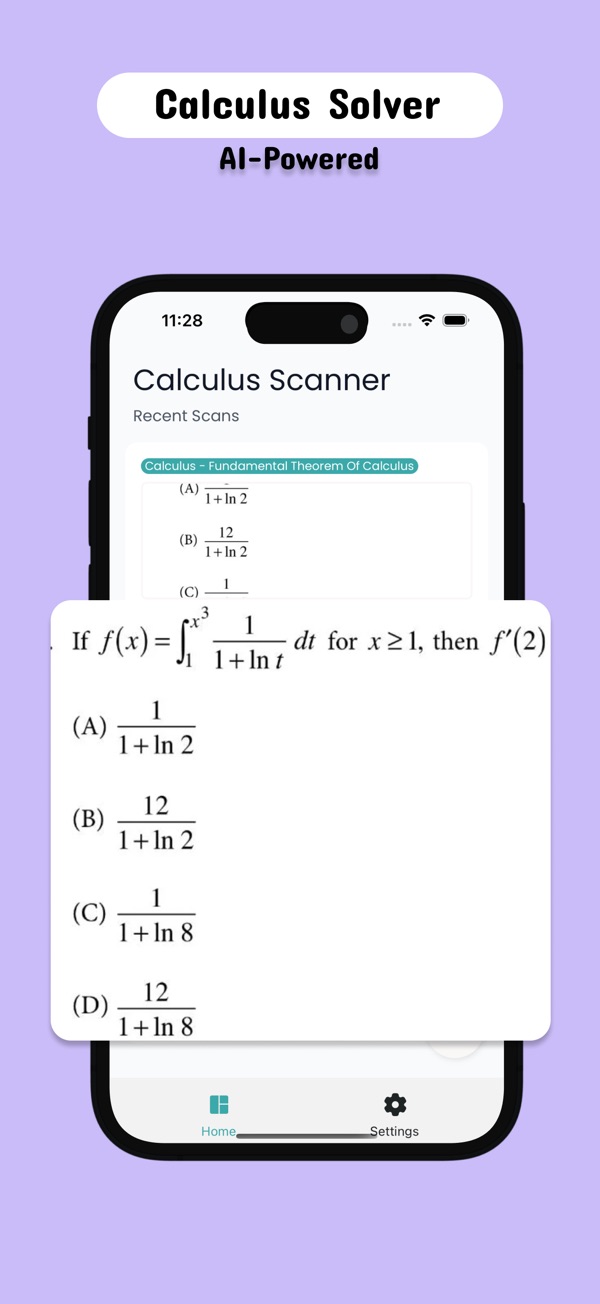

Open Calculus and you're three steps from done.
Capture the problem or type the equation.
See the full working.
Practise until the method is yours.
Photo or type
Photograph a calculus problem or enter the equation by hand.
Step by step
Each solution is broken down so you can follow how it was solved.
Topics
Derivatives, integrals, limits and continuity, differential equations, series and multivariable calculus.
Oct 16, 2026 · 8 min read
L'Hôpital's rule explained simply: the 0/0 and ∞/∞ test, why it works, 7 worked limits, and the 3 mistakes that cost the most marks on calculus exams.
Oct 15, 2026 · 7 min read
Symbolab vs Mathway for calculus, compared from each app's official listing: 500+ calculators vs 11 subjects, free steps, pricing models and who each suits.
Derivatives and integration, limits and continuity, differential equations, series and sequences, and multivariable calculus.
Yes. Manual input lets you type the problem directly.
Use it to understand the steps and check your work, and follow your school's rules on AI tools.
Calculus is free to download. Some features need a Pro subscription; current prices are shown on the App Store page.
Calculus - Homework Helper runs on iPhone with iOS 15.1 or later.
Email hello@alicsystems.com and tell us which app you're using.

Download Calculus and see the difference the first time you use it.