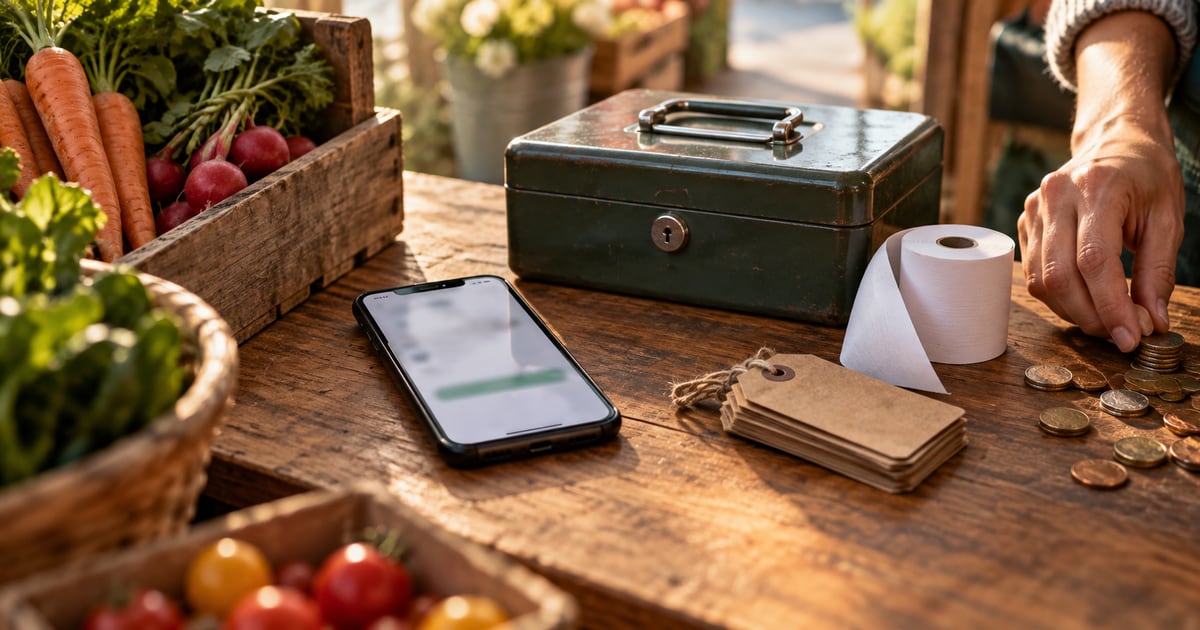


Most shop owners pick a POS app because it "works offline," then find out mid-rush that offline only means one thing: they can still ring up a sale. Refunds stop working, stock counts go blank or card payments wait in a queue that might later be declined. The fix is to check what keeps working with no signal before you choose. That single question splits the apps below into two groups: offline-first apps that run fully on the phone, and cloud apps with an offline mode that covers selling but pauses everything else until you reconnect.
How we chose
We looked for iPhone apps a small shop, stall or solo seller could start using without extra hardware. For each one we read the official help pages and App Store listings to answer four questions:
- Can you keep selling with no connection?
- Can you take card payments offline, and what are the limits?
- Does stock tracking keep working offline?
- What stops working until you reconnect?
We did not test these apps in a shop. Everything below comes from what each company says publicly, as of October 2026. Features change, so check the current listing before you commit.
The 5 best offline POS apps for iPhone
1. Square Point of Sale
Square is a strong pick if card payments matter most and you sometimes lose signal. According to Square's offline mode guide, you can turn on offline payments and accept cash and most major card brands during an outage. You can also set a maximum amount per offline transaction.
Strengths
- Offline card payments with most major card brands, once switched on.
- You choose whether to allow cash only or cash plus cards when the connection drops.
- Separate settings for an internet outage and a Square service outage.
Weaknesses
- Offline payments must be uploaded within 72 hours or they expire, and Square recommends uploading within 24.
- Tap to Pay on iPhone, gift cards and manually typed card numbers don't work offline.
- You won't see declined payments until you're back online, and you're responsible for them.
- Close-of-day reports aren't available offline.
Best for: card-heavy businesses that are usually online but need a backup plan.
2. Shopify POS
Shopify POS makes most sense if you already sell online with Shopify and want your shop counter on the same system. Its offline selling guide says every POS user can accept cash and manual payments offline. Offline card payments are available too, but you have to activate them in your Shopify admin first.
Strengths
- Offline checkout for cash and custom payment methods for all POS users.
- Offline card payments that are processed automatically when you reconnect.
- One product catalogue across your website and your counter.
Weaknesses
- You need internet to log in and import products, so you can't start fresh in a dead zone.
- You can't save new products while offline.
- Syncing and email receipts wait until the connection returns.
Best for: sellers who already run a Shopify store and do pop-ups or markets.
3. Loyverse POS
Loyverse is a popular choice for small cafés and shops that want a free starting point. Its offline help page says you can process and record sales and manage shifts with no connection. Offline receipts are saved on the device, marked "Unsynced," and sent to the back office automatically when you reconnect.
Strengths
- Sales and shifts keep running offline.
- Automatic sync once the connection is back.
- Open tickets can be created offline (they reach other devices after you reconnect).
Weaknesses
- Refunds are disabled offline.
- You can't register new customers or edit existing ones offline.
- Integrated card terminals don't work offline.
- Stock levels and negative stock alerts aren't shown while you're offline.
Best for: cash-friendly cafés and shops that want a free core app and usually have Wi-Fi.
4. SumUp
SumUp is mainly a card-payment company, so it suits sellers who care most about taking card payments on the go. Its payment terms say offline transactions are processed automatically once the connection is restored. Its developer documentation adds that offline transactions are not on by default and only work with some hardware.
Strengths
- A recognised card-payment provider with small, portable readers.
- Offline transactions are processed automatically when you reconnect.
Weaknesses
- Offline payments have to be enabled and depend on your reader and region.
- Offline payments aren't authorised in real time, so you carry the risk of declines and fraud.
- Offline transactions can't be refunded or cancelled until you're back online.
Best for: mobile sellers who mainly need card payments and have checked that offline mode works in their country.
5. Cela: Smart POS & Stock Manage
This is our own app, so read this one with that in mind. It's different from the four apps above: instead of a cloud system with an offline mode, it's built offline-first. Its App Store listing says it works fully with no internet connection and keeps your data on the phone.
Strengths
- Sales tracking, stock control and budget and expense tracking all work with no connection.
- Low-stock alerts keep working offline, unlike some cloud apps.
- A simple dashboard for daily sales, made for people new to POS apps.
Weaknesses
- iPhone only.
- It's a sales and stock app, not a card processor. You take card payments with a separate reader or app.
- The Pro plan is a subscription ($4.99 a week or $49.99 a year, per the App Store listing at the time of writing).
Best for: small shops, stalls and solo sellers who mostly take cash or mobile transfers and need stock counts they can trust with no signal.
Quick comparison
| App | Sell offline | Card payments offline | Stock visible offline | Main offline limit |
|---|---|---|---|---|
| Square POS | Yes | Yes, once enabled | Not stated | Upload within 72 hours |
| Shopify POS | Yes | Yes, once enabled | Not stated | Must log in online first |
| Loyverse POS | Yes | No (terminals) | No | Refunds disabled |
| SumUp | Yes, once enabled | Yes, on supported readers | Not stated | No refunds offline |
| Cela | Yes | No (not a card processor) | Yes | iPhone only |
Based on each company's official help pages and App Store listings, as of October 2026.
Which one is right for you?
Start with how your customers pay.
Mostly cards, usually online: choose Square or SumUp. Turn on offline payments before you need them, and upload them as soon as you're back online. Read the Federal Trade Commission's small business guidance on protecting customer data, since offline payments sit on your device until they sync.
You already sell online with Shopify: use Shopify POS so your stock and products stay in one place. Log in and load your catalogue before you head to a market with weak signal.
Mostly cash, Wi-Fi most days: Loyverse's free core app covers selling. Just remember that refunds and stock alerts pause when the connection drops.
Weak signal is normal, and stock matters: choose an offline-first app. Your sales and stock counts don't depend on a connection, so a dead zone doesn't turn into a guessing game.
Whatever you pick, test it before a busy day. Put your phone in airplane mode, ring up a sale, try a refund and check your stock. Five minutes of testing tells you more than any feature list.
It also helps to know your numbers. If you track stock on your phone, you can work out how to calculate a reorder point so you reorder before you run out, and do a regular stock take for a small shop to catch errors early.
How Cela can help
If your problem isn't taking cards but keeping track of what you sold and what's left, our app was built for that. It works fully offline, so you can ring up sales, watch your daily totals and manage stock levels in a basement shop, at a rural market or during a power cut. It warns you before an item runs low, and its budget and expense tools keep spending next to sales. It doesn't process cards, so pair it with your usual reader if you take them. You can see the full feature list on the app page or read more shop guides on its blog.
Frequently asked questions
Can a POS app take card payments with no internet?
Some can, with limits. Square and Shopify POS can store card payments offline once you switch the feature on, then process them when you reconnect. The card isn't checked in real time, so you carry the risk if a payment is later declined. Cash sales are the safest choice during an outage.
What happens to offline sales when the internet comes back?
In most cloud POS apps, sales made offline are saved on the device and sync automatically once you reconnect. Loyverse marks them as unsynced until then. Don't sign out or delete the app while sales are waiting to sync, because Square warns that pending offline payments can be lost permanently.
Is there a free POS app that works offline?
Loyverse POS offers a free core app that can record sales offline, and Square and Shopify have offline checkout for cash. Check each app's current pricing page, since paid add-ons and card processing fees vary by country and plan.
Does inventory update when a POS app is offline?
It depends on the app. Loyverse doesn't show stock levels or low-stock alerts while offline. An offline-first app that stores data on the phone keeps, stock counts and low-stock alerts working without a connection.
Which offline POS is best for a market stall?
For a stall that takes mostly cash and has weak signal, an offline-first app that tracks stock on the phone is the simplest fit. If most customers pay by card, choose a payment-focused app such as Square or SumUp and check its offline card rules before the event.
Conclusion
"Works offline" means different things in different POS apps. Cloud apps like Square, Shopify POS, Loyverse and SumUp keep selling without signal, but they pause refunds, sync or stock alerts, and offline card payments come with time limits and decline risk. Offline-first apps keep everything on the phone but don't process cards. Pick the one that matches how your customers pay and how often your connection drops, then test it in airplane mode before you rely on it.