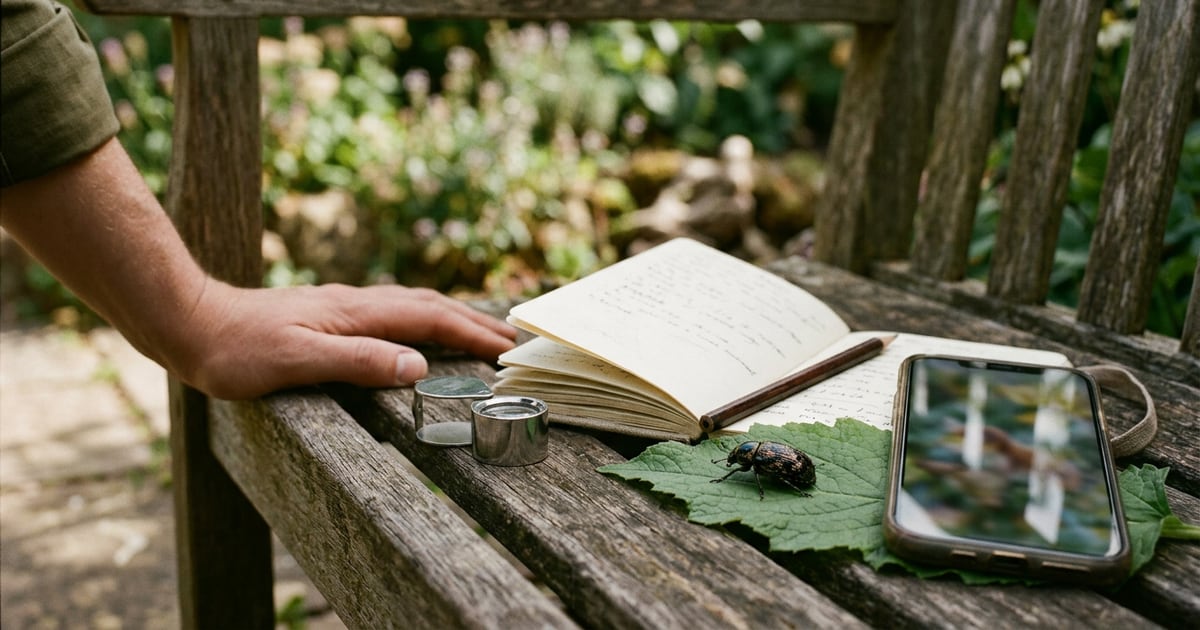


You photograph an unfamiliar animal on a walk and open a search result that offers several possible names. The best animal identification app for that moment depends on what happens next. Seek suits casual exploration, iNaturalist adds community review, and Merlin is a specialist choice for birds. Google Lens offers a broad visual search, while Species ID combines photo suggestions with species profiles on iPhone. Choose by the evidence you have and the kind of follow-up you want.
How we chose
We compared five tools using developer documentation and official product listings available in November 2026. Each offers a way to investigate an animal photograph or observation, but they organize the next step differently. Some prioritize immediate suggestions, others provide references or a place for people to review the observation.
The order below groups useful workflows. It is not an accuracy ranking, and we have not performed a controlled test of the products. A clear photograph, the location and the visible distinguishing features remain central to checking a proposed name.
| Your situation | A starting option | What makes it relevant |
|---|---|---|
| Exploring nature without an account | Seek | On-screen identification and local observations |
| Wanting people to review an observation | iNaturalist | Community identification and shared records |
| Investigating a bird or bird sound | Merlin Bird ID | Bird-specific photo and sound suggestions |
| Looking for matching images and web pages | Google Lens | General visual search |
| Wanting animal profiles with a photo log | Species ID | Photo input and saved discoveries on iPhone |
This list covers live animals and recognizable animal photographs. If your question concerns an unclear track, fragment or distant silhouette, describe the evidence carefully before expecting a species-level result. A broader identification can be a reasonable place to stop.
1. Seek by iNaturalist
Best for casual nature exploration. Seek's official description offers camera-based identification of wildlife, plants and fungi, along with badges and observation challenges. Its standalone workflow requires no registration. iNaturalist's comparison page says Seek can provide on-screen suggestions without a connection and stores observations locally. Seek product page
Imagine you are walking with a child and find an insect resting on a railing. Seek fits a brief investigation where you want to explore a possible name without creating a public record. Keep the image and compare the visible shape and markings with the proposed organism.
Its immediate suggestion is a starting hypothesis. If you want other naturalists to examine the photograph, the separate iNaturalist workflow below is more directly suited to that goal. Decide whether the purpose is a private learning moment or a record you want help reviewing.
The Seek and iNaturalist comparison goes further into that decision. Before a walk, check the installed version with an ordinary observation so you understand how it handles your camera and permissions.
2. iNaturalist
Best for observations you want others to review. iNaturalist combines initial computer-vision suggestions with identification by community members. Its documentation distinguishes that shared workflow from Seek's standalone use. Observations contribute publicly available biodiversity records, so review what you intend to share before uploading. iNaturalist's official comparison
For example, you may have two photographs of a beetle but be unsure which markings matter. A shared observation gives other people material to examine. Add the date and place and include distinct views of the same individual when you have them.
The value here is the opportunity for review, rather than a promise that someone will immediately confirm every record. Keep uncertainty visible and check whether later comments refer to your exact photograph or a related species.
This option requires more thought about the record than a one-off visual search. That can be worthwhile if you want to learn how someone reached an identification or contribute an observation that others may revisit. Read the platform's guidance on location privacy and sharing to decide what is appropriate for your record.
3. Merlin Bird ID
Best for birds. Cornell's Merlin offers Photo ID suggestions and Sound ID. The developer documents offline operation for those identification features, while regional reference downloads support browsing photos and information. Sound coverage varies by species and region, so check coverage for your destination. Merlin product page
Suppose you hear a repeated call but cannot obtain a clear photograph. A bird-specific sound workflow gives you another kind of evidence to investigate. Compare the recording with the reference sounds and the birds expected in the area. A suggested name should still fit what you heard or saw.
If you already have a photograph, check the short list against visible features. A tail hidden behind a branch remains hidden regardless of which app proposes the name. The mourning dove guide illustrates how multiple features can support or complicate a bird identification.
For travel, prepare regional reference content before leaving a reliable connection. Cornell explains the relationship between downloaded reference birds and its identification tools in its support guidance. Merlin offline reference help
A specialist bird tool is a strong fit when birds are your focus. An insect photograph calls for one of the broader options in this list.
4. Google Lens
Best for a broad visual search. Google's image-search documentation says Lens can return matching or similar images, related web pages and other search results. This is useful when you want several references to compare instead of a single profile inside a wildlife app. Google image-search help
Try it with an existing photograph in which the animal occupies a clear part of the frame. Examine the pages behind the results. A result label alone gives you less to evaluate than a page explaining the distinguishing features and the area where the animal occurs.
Imagine the first few images resemble your photograph but show different species. Keep that disagreement as a reason to investigate. Compare body proportions and markings, then consult a specialist source for the most plausible group.
The tradeoff is that general search results serve many purposes. A product image, decorative illustration or copied caption may appear relevant visually while offering little identification evidence. Choose reference pages you can assess and keep the original photograph available during the comparison.
Lens can be a convenient starting point for someone who already uses visual search. When a community record or bird-specific reference is central to your goal, the other workflows may save you some of that follow-up work.
5. Species ID
Best for an iPhone animal-photo log with profiles. The supplied app description lists camera or uploaded-photo identification, species information about habitat, diet and range, and a collection of saved discoveries. The current App Store page presents the product as Nature ID - Animal Identifier by AlicSystems, using the same app ID. Official App Store listing
This fits a walk where you want to revisit what you photographed and read a short species profile. Save the original image and your location and date notes alongside the proposed name so you can compare the result with a reference later.
The supplied description does not establish offline identification, sound identification or community review. Check any feature essential to your outing in the installed version before relying on it. The profile and photo history address a different need from having another observer confirm the identification.
If a suggestion seems plausible, identify the visible feature that supports it. Then ask what would distinguish the nearest alternative. That extra question turns a saved name into something you can learn from and review.
Which one is right for you?
Start with the input. For a bird sound, check Merlin's coverage. For a photo you want people to review, consider iNaturalist. For casual exploration without an account, Seek is a straightforward option. For web references, use Lens. For an iPhone workflow built around photo suggestions and animal profiles, consider the final option above.
Then decide what level of certainty the evidence supports. A sharp side view may reveal useful features, while a blurred crop may justify only a broader group. Several apps repeating the same name is a reason to compare the evidence, rather than a substitute for doing so.
Keep a small observation record. Include the original photograph, date, general location and what you saw the animal doing. Add a second view only if it is of the same individual. Avoid combining the tail from one animal with the markings of another in a group.
When results disagree, write down the proposed names and the feature each would require. Consult a specialist guide or ask an experienced local observer. The crow and grackle comparison shows how shape, pattern and context can be checked together.
Use observations made from a respectful distance. An app result should not be used as permission to touch, feed or handle an unfamiliar animal. If the animal appears injured, contact an appropriate local wildlife service for advice rather than using an identification result to decide care.
Finally, check practical requirements before choosing. Account creation, permissions, reference downloads and subscriptions affect how convenient a tool is for your trip. Use the official listing for current availability and terms. A short trial with a familiar subject can reveal whether you understand the workflow, although it cannot establish general accuracy.
How Species ID can help
Species ID can provide an initial animal suggestion from a camera image or an uploaded photograph, then let you revisit discoveries in a saved collection. Its supplied description includes profiles covering subjects such as habitat and natural range.
Use those details to guide further reading. Compare the visible animal with a reliable reference and keep an uncertain record tentative. The App Store naming may appear as Nature ID - Animal Identifier, while the site currently uses the name in this heading. Check the AlicSystems developer and app ID when finding the product. Choose a specialist or community review when the photograph leaves an important distinguishing feature unresolved.
Frequently asked questions
Which animal identification app works without an account?
Seek's official documentation describes a standalone workflow without registration. It provides on-screen identification and stores observations locally. If you want community members to review a shared observation, explore the separate iNaturalist workflow and its sharing requirements.
Which app should I use for birds?
Merlin is a specialist bird option with documented photo and sound identification features. Check whether sound coverage includes your region and species. Compare proposed matches with reference photos or recordings and the evidence from your own observation.
Can an animal identification app be wrong?
Treat a suggested name as something to investigate. Blurred photographs, hidden features and similar species can leave uncertainty. Compare the original image with a reliable reference and seek help from an experienced observer when an important distinguishing feature is missing.
What should I save with an animal photograph?
Keep the original file, the date, a general location and a note about what the animal was doing. If you have multiple views, confirm that they show the same individual. This context helps you or another observer revisit the proposed identification.
Conclusion
Pick an animal identification workflow around your evidence and your next step. Immediate suggestions, bird sounds, community review and web searching each answer a different practical need. Keep the original image and enough context to revisit the result. When the available view cannot distinguish similar animals, record the uncertainty and ask for help. A careful observation remains useful even when you can identify only a broader group.